Grainfall
Pour, burn, melt, freeze, wire up and blow up a world made of grains.
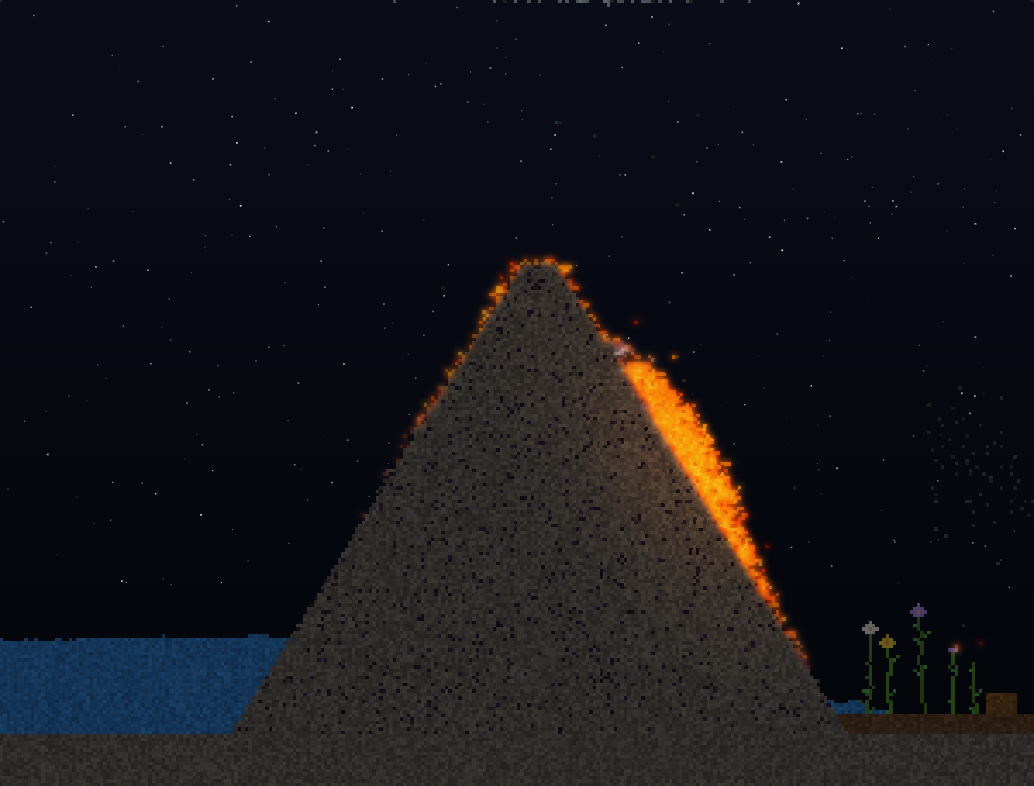
Grainfall is a falling-sand sandbox that runs right in your browser. Every grain has a temperature, a weight and a mind of its own: water boils into steam and rains back down, lava hardens into stone when it meets water, sand turns to glass in a furnace, and anything left hanging after an explosion comes crashing down in one piece.
What's inside
- 71 elements — sand, water, lava, acid, oil, ice, portals, thermite, mercury, cement, fireworks, clouds, crystals, bombs, fans, dry ice, uranium, grass and more
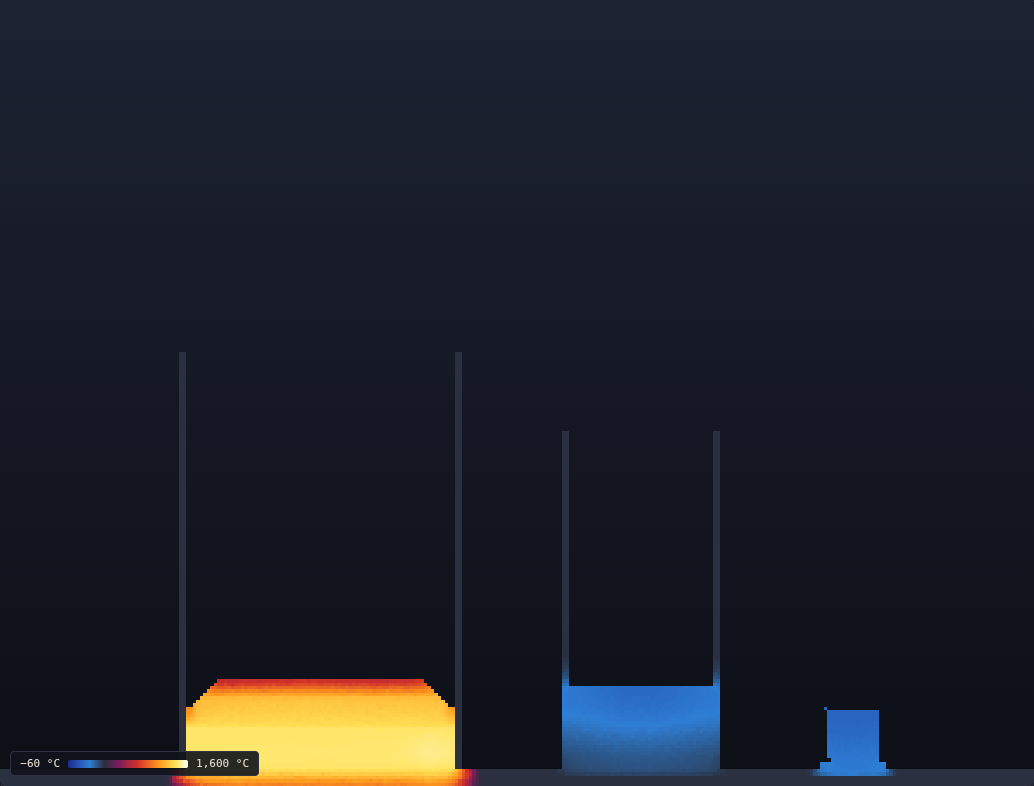
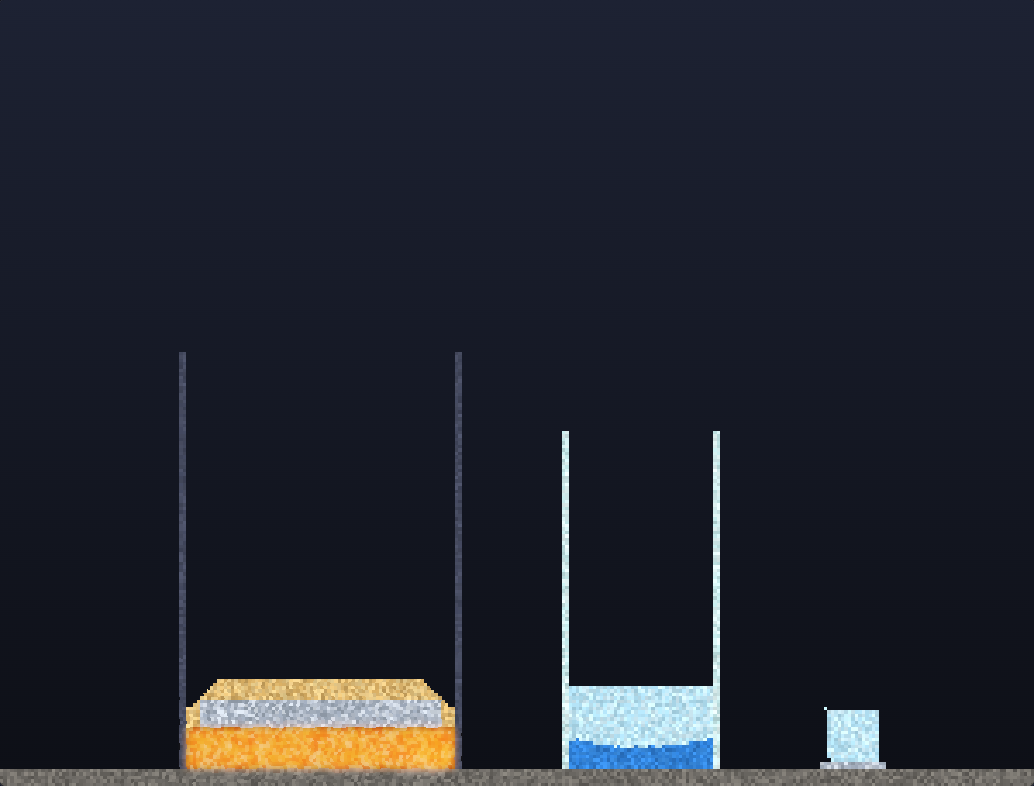
- Real temperature — melting, boiling, freezing and ignition points, latent heat, hot liquids that rise and churn, plus a heat view to see it all
- Living things — ants dig tunnels, worms turn ash into soil, fish swim, birds perch on the plants, termites chew through wood, fireflies blink at night
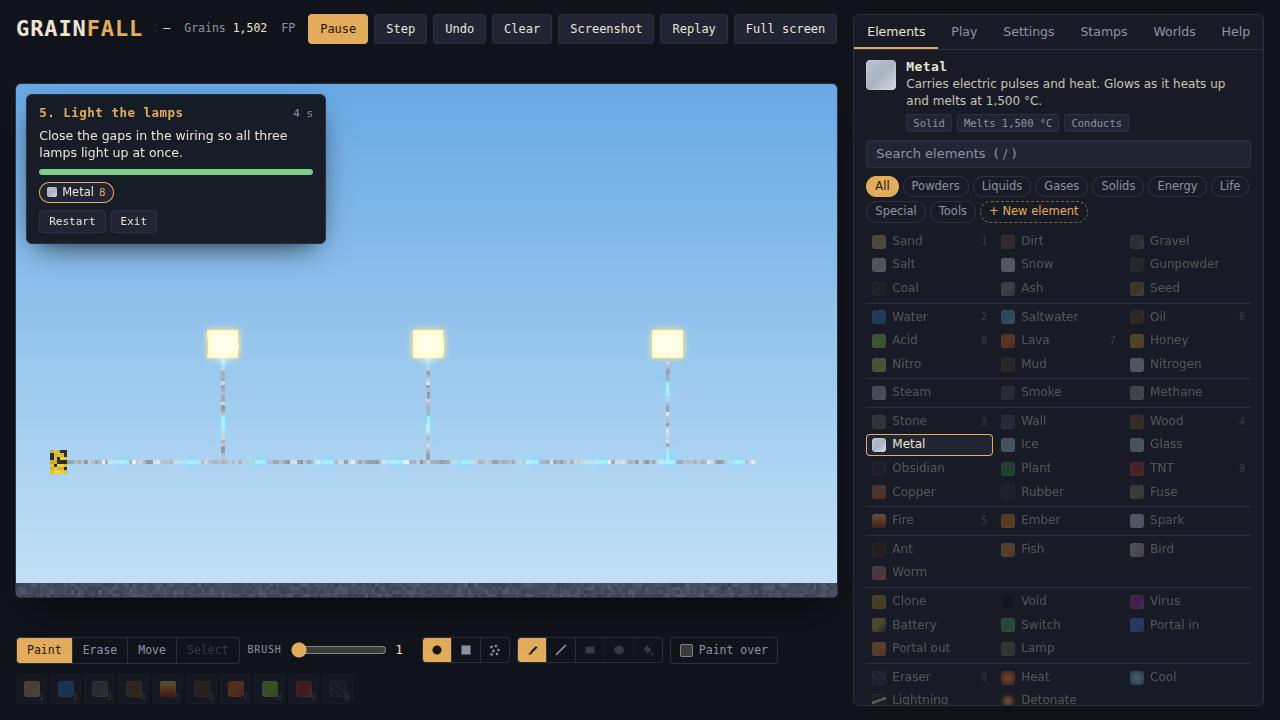
- Electricity — batteries, wires, switches, copper and lamps
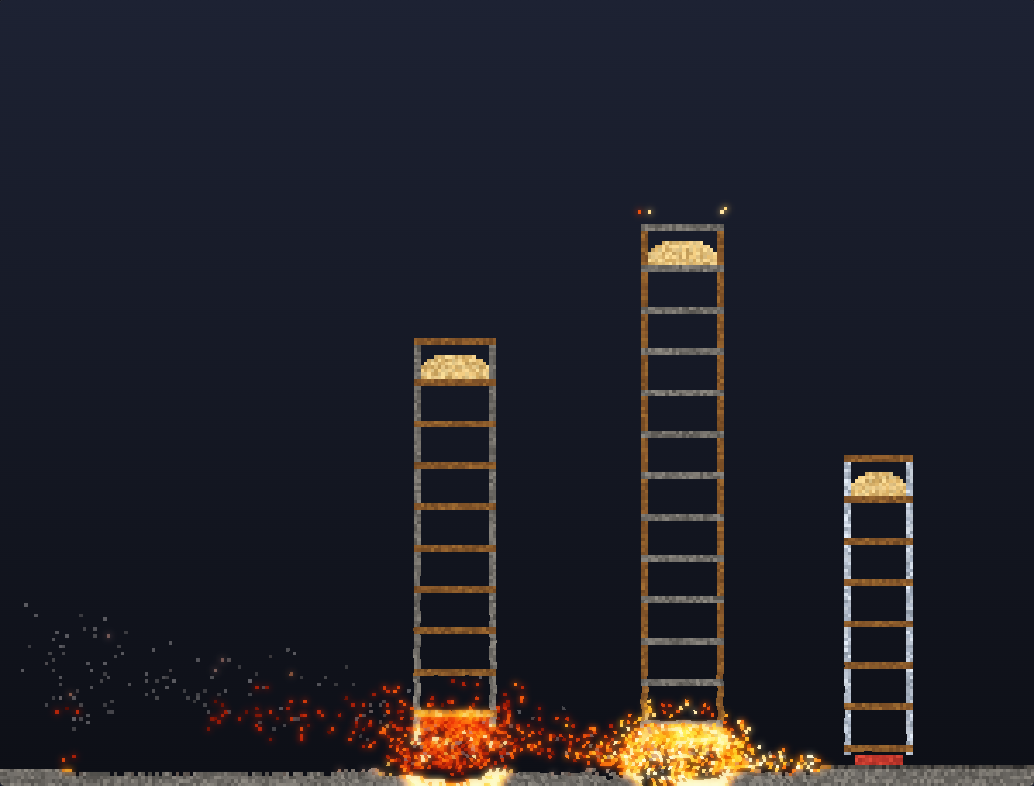
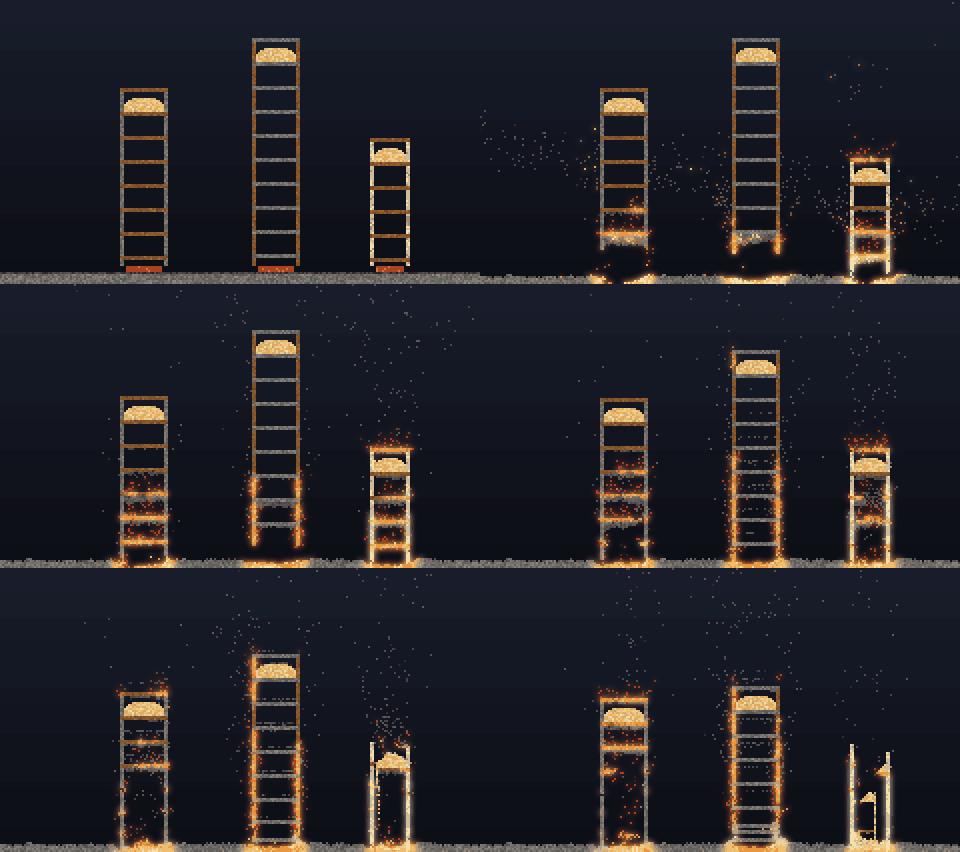
- Structures that collapse — knock out the supports and towers fall; trapped steam bursts its container
- 24 challenges — four chapters of puzzles with a limited amount of elements, a live star meter and hints; earn up to three stars
- Make your own elements — pick a colour, how it moves, what melts or burns it, and what it turns into
- Day & night — glowing lava, fire and lamps light up the dark
- Physics you can play with — wet sand holds castles, cement sets into concrete, CO₂ smothers flames, soaked wood won’t burn, bombs go off when they land
- Build tools — lines, boxes, circles, fill, copy & paste, plus a stamp library (trees, houses, sandcastles, fireworks…)
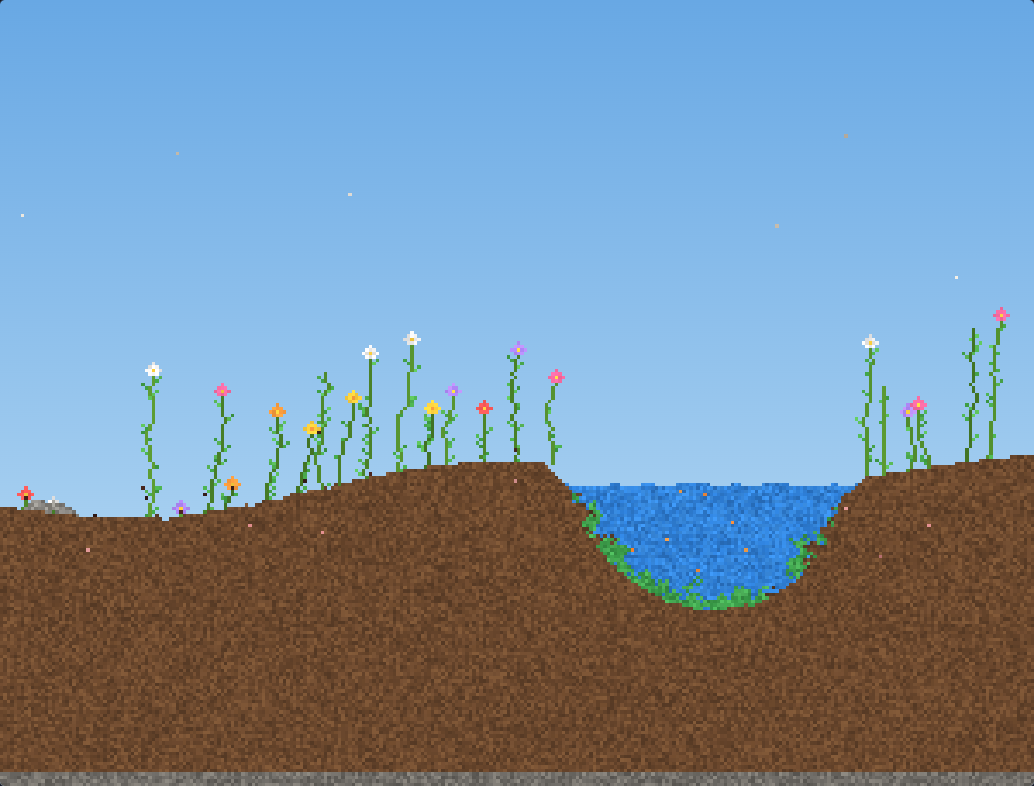
- 13 ready-made scenes — Volcano, Waterfall, Hourglass, Demolition, Circuit, Garden, Forge, Habitat, Beach, Foundry, Laboratory, Meadow, Workshop
- Replays — watch the last 30 seconds back and save them as a GIF
- Save slots, plus world codes you can share with friends
- Maps from small and chunky up to 1000 × 800 grains, with smooth zoom
- Works with mouse, keyboard and touch screens
Controls
- Left drag — paint the selected element
- Right drag / E — erase / toggle Erase mode
- Wheel / pinch — zoom
- M — Move mode (drag to look around)
- Shift + drag — straight line
- B L X O K — brush, line, box, circle, fill
- V — select, then copy / cut / delete
- 1 – 9, 0 — quick elements (Shift + number to reassign)
- Space / . — pause / step one frame
- Z — undo
- H / G — heat view / glow
- F — full screen
- / — search elements
On a touch screen: hold a finger still on a grain to see what it is and how hot it is.
Tips
- Pick Lightning from the Tools and strike the volcano.
- Open the Demolition scene and drop Fire on the fuse.
- Pour Thermite on a metal block and light it, or drop a Bomb from high up.
- Try Settings › Sky › Day & night, then pour some lava.
- Stuck on a challenge? Using less of your budget gives more stars.
Your saves, stars and custom elements are kept in your browser. Use Export world in the Worlds tab to keep a copy of anything you're proud of.
Development log
Comments
Log in with itch.io to leave a comment.
No idea how one is supposed to get 3 stars in "light the lamps"